Product / Interactive parts breakdowns
From the whole machine down to one part, and the order placed.
Your customers open the machine, go down through its assemblies and sub-assemblies until they reach the part they need, and order it right there. Aftermarket parts get easier to buy, and the right part gets ordered.
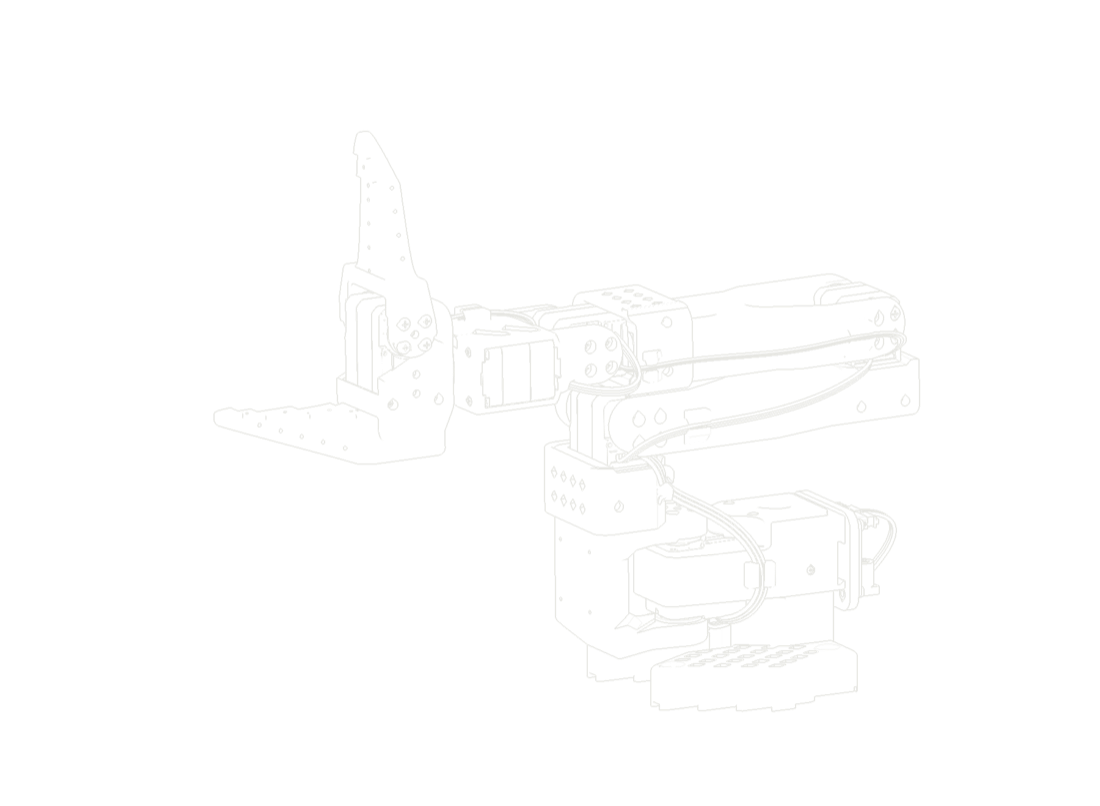
so101_assemblyParts breakdown
Robot arm
- 1Base18 parts
- 2Shoulder24 parts
- 3Upper arm31 parts
- 4Lower arm29 parts
- 5Wrist36 parts
- 6Gripper27 parts
YOUR ORDER
Nothing yet
- Price and stock from your ERP
- Order sent to your ERP
- Sales order SO-48213 created
What it does
- 01As many levels as the machine hasStart at the whole machine, open an assembly, then the sub-assembly inside it, and keep going until you reach a single part. The levels come from your CAD and your bill of materials.
- 02A parts book that stays currentEach level has its exploded view, numbered callouts, part numbers, and quantities. When the design changes, the breakdown changes with it.
- 03Order where you found itAdd the part to an order from the same screen you found it on. No catalog to search, and no phone call to work out a part number.
- 04Connected to your ERPPrices and stock come from your ERP or parts system, and a placed order goes back to it as a sales order, so your team ships it the way they ship everything else.