Product / 3D work instructions
Every step, shown on the real machine.
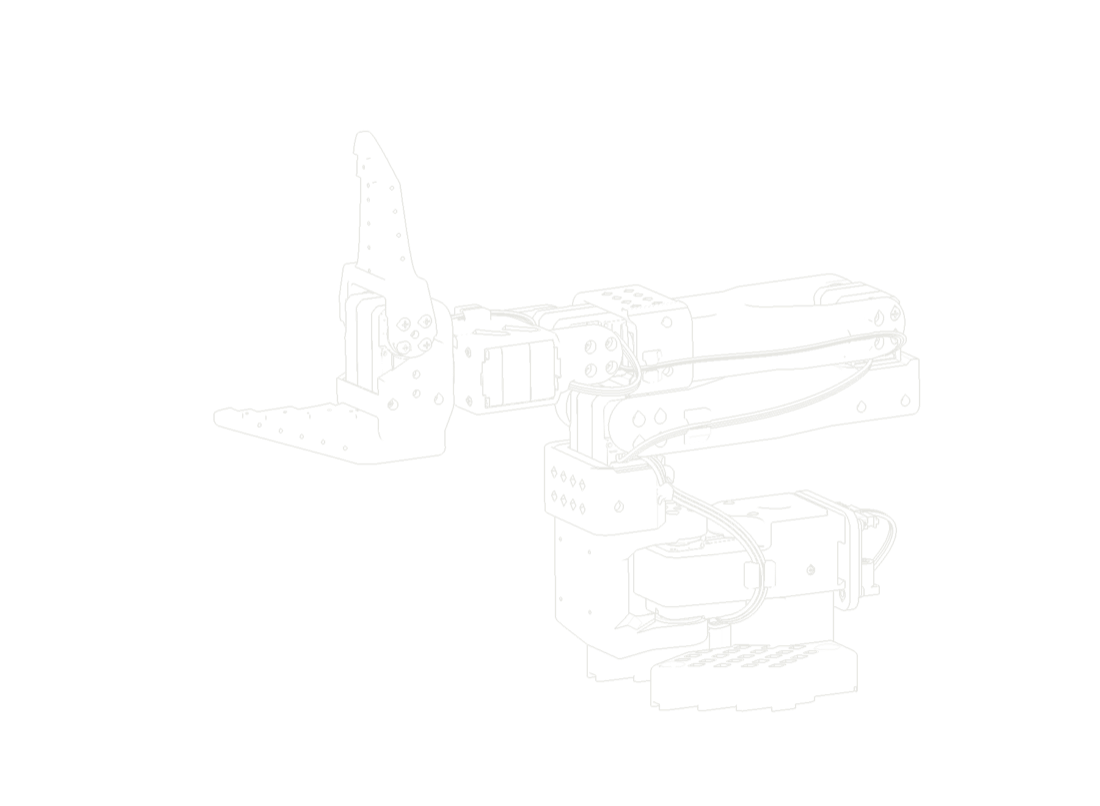
A paragraph and a flat figure ask the reader to imagine the part. A 3D step shows it: where it is, which way it goes in and what it seats against.
so101_assemblyStep 1 of 11
Mark upArrowBulletTextCircle
01Set the base01 / 11
What it does
- 01The camera goes to the workEach step is framed on the part that matters, so nobody has to hunt for it in a full-machine view.
- 02The way in is drawnParts travel along the path they take in real life and seat where they belong. Screws, clips and covers arrive in the order they should.
- 03Notes pinned to partsArrows, numbered callouts, text boxes and highlights attach to the part they are about and stay there as the view moves.
- 04Paper when you need itThe same procedure prints as a step-by-step sheet with a picture per step, for the places a screen cannot go.